
Creatorslop
Good morning. Grok Imagine just dropped a huge update. You can now feed it up to 7 images and it'll weave them into a single video. Character from one photo, location from another, objects from the rest. Have you tried it yet? Hit reply and tell me.
If you're new here, this is where we cover the newest capabilities in AI video before everyone else finds out. Check out the Grok Imagine tutorial below.
MODEL UPDATES
🎬 Grok Imagine Can Now Build Videos from 7 Images

Grok Imagine just leveled up big time. You could already do text-to-video and single image-to-video. Now you can upload up to 7 separate images and it'll blend them into one clip. Character from one photo, background from another, objects from the rest. All in one output.
It's live right now on iOS, Android, and web. No waitlist. If you have X Premium you can try it today. Output is 720p with native audio, so dialogue, ambient sound, and effects are all baked in. Check out the tutorial below to try it right now.
TRENDING
Seedance 2.0 Got Shelved
Remember that viral Tom Cruise vs. Brad Pitt fight clip from Seedance 2.0? Yeah, that whole thing caught up to ByteDance. The Information reported Saturday that copyright disputes with Disney, Warner Bros, and other Hollywood studios forced them to pull the plug on the global launch. It was supposed to drop mid-March. Now it's on hold indefinitely.
Disney accused ByteDance of pre-packaging Seedance with a "pirated library" of characters from Star Wars, Marvel, and more. Their engineers and lawyers are scrambling to add IP safeguards before they can try again. The model still works in China, but for everyone else it's a wrap for now.

TUTORIAL
Multi-Image Videos with Grok Imagine

Created with Grok Imagine
Create a Multi-Image Video Using Grok
1. Navigate to Grok Imagine.
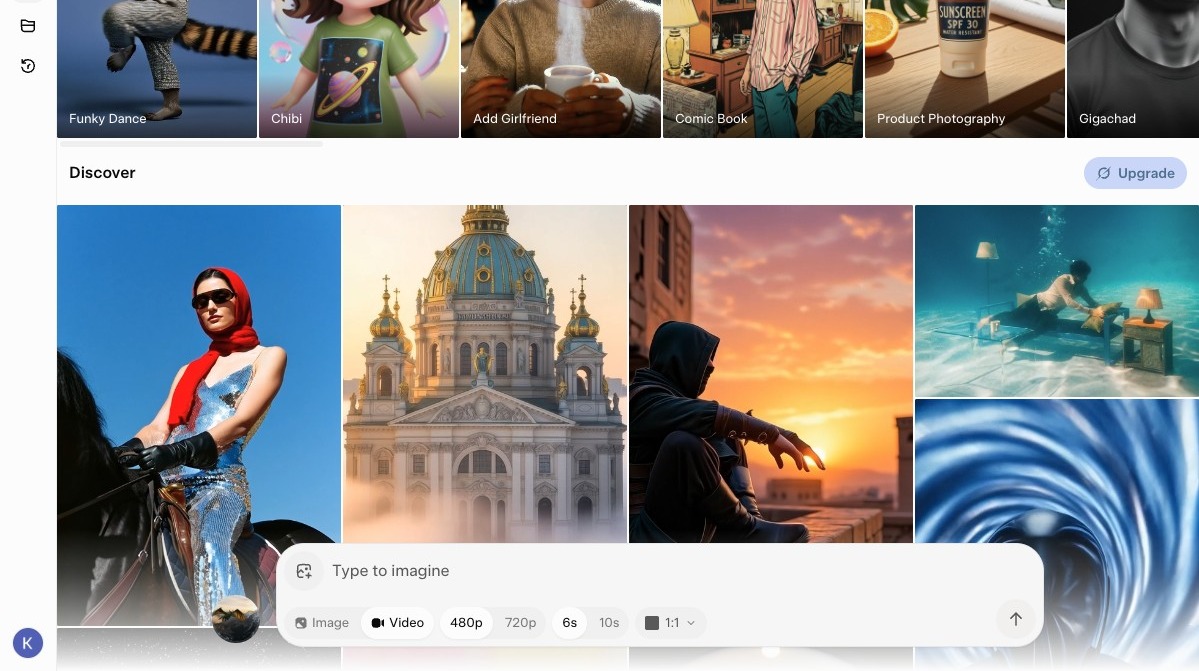
2. Click to add images.
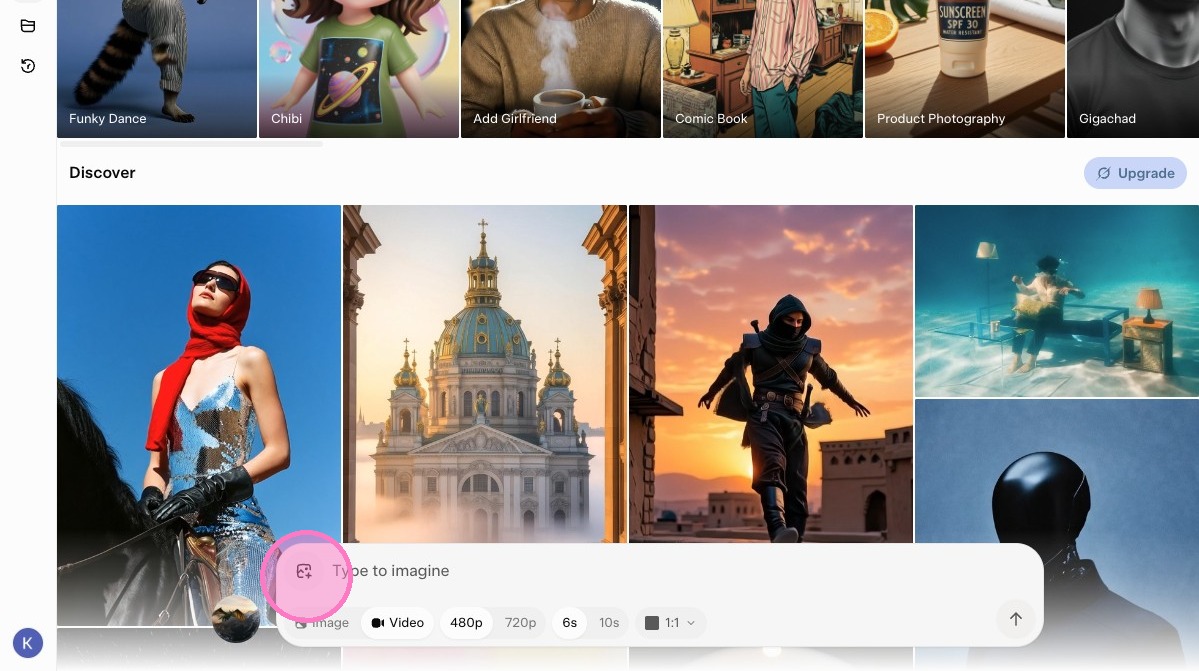
3. Click "Animate Images - Turn up to 7 images into a video"
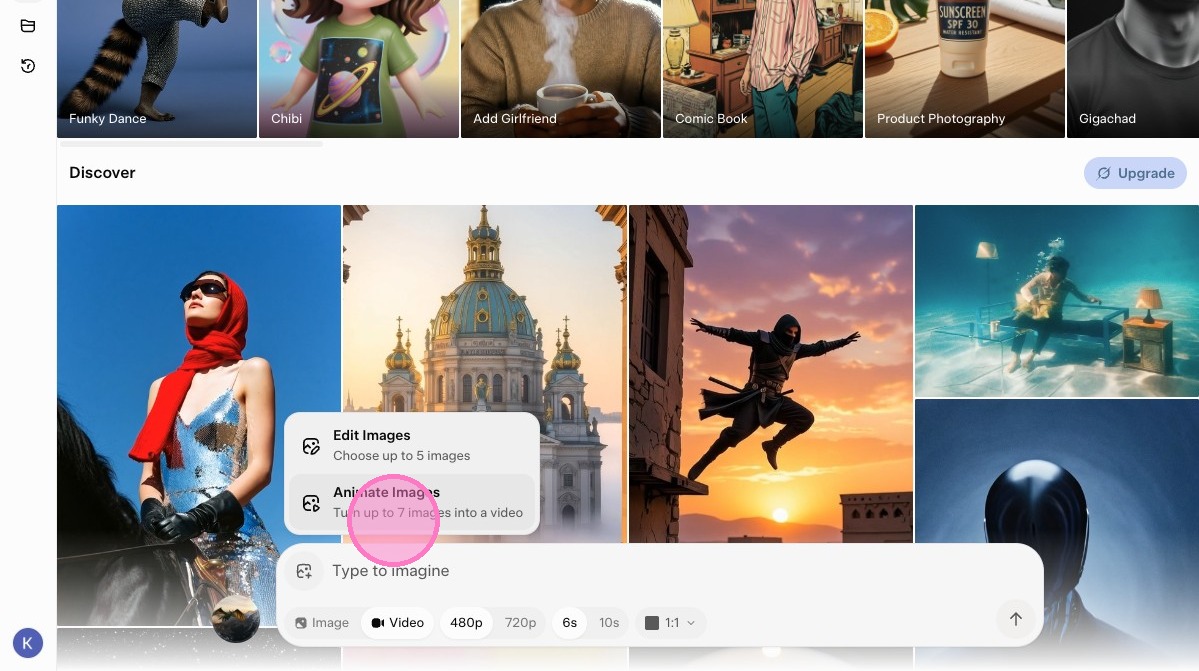
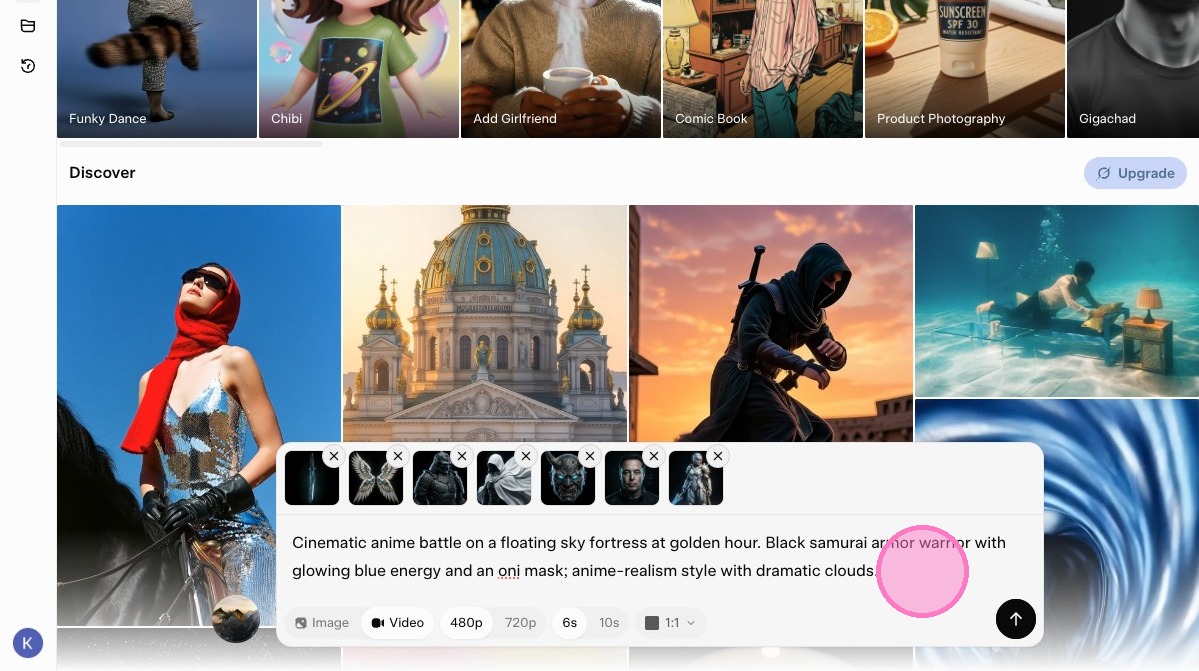
4. Upload up to 7 reference images.
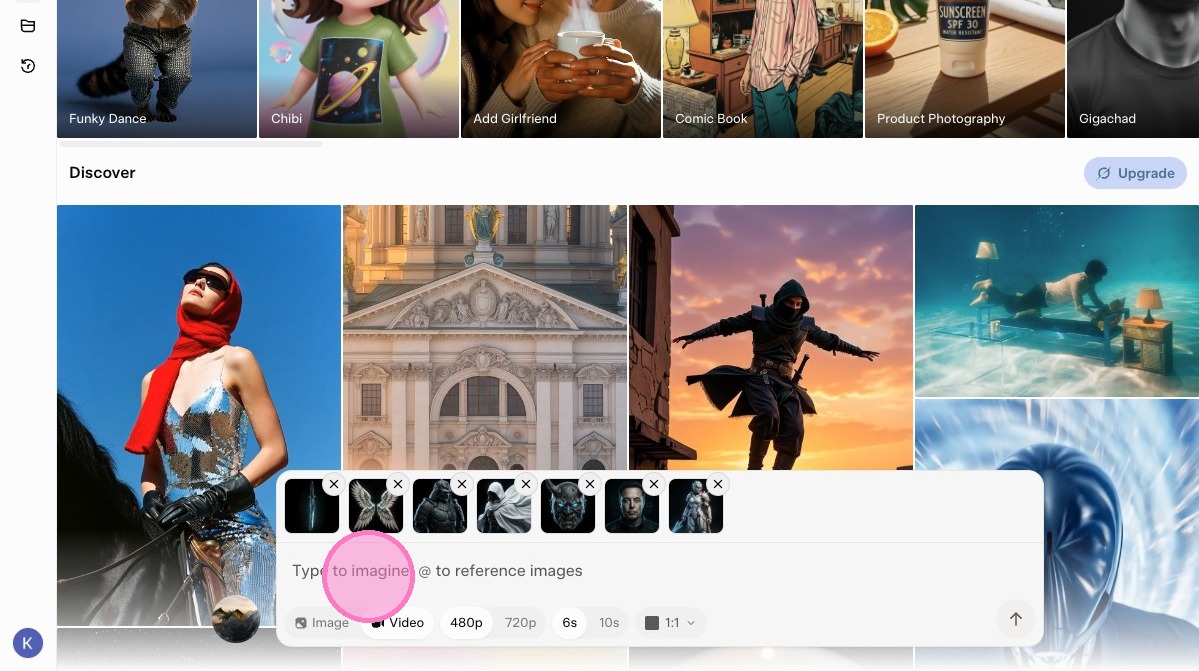
5. Enter a prompt like this: "Cinematic anime battle on a floating sky fortress at golden hour. Black samurai armor warrior with glowing blue energy and an oni mask; anime-re..."
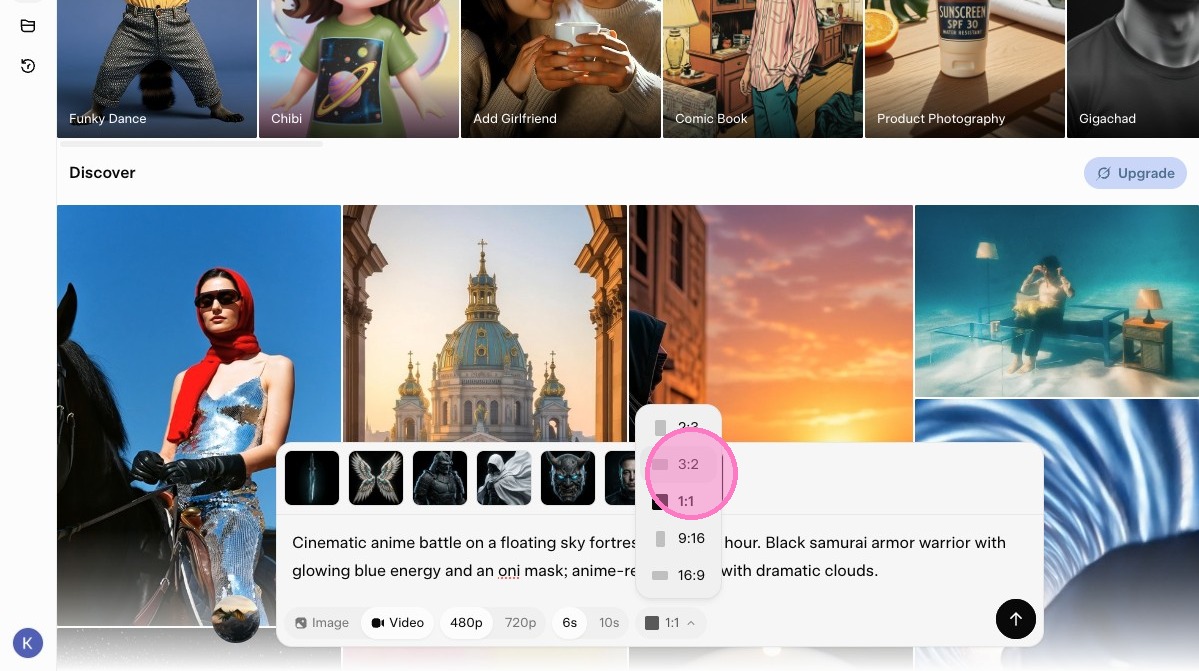
6. Adjust your video aspect ratio.
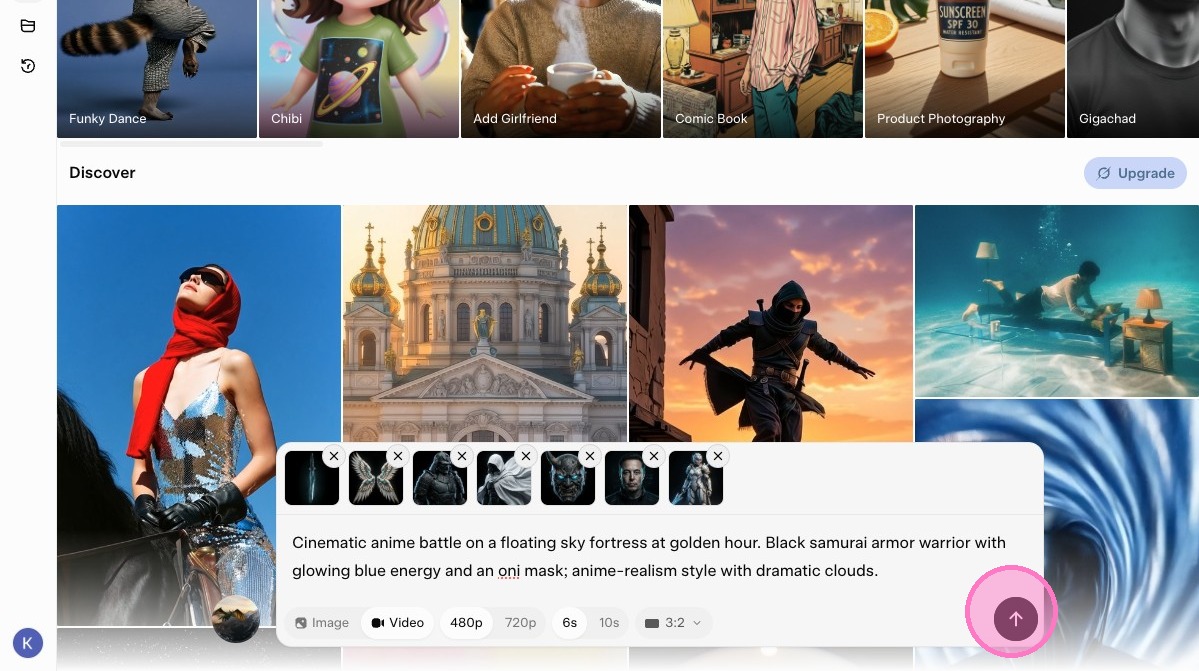
7. Click submit.
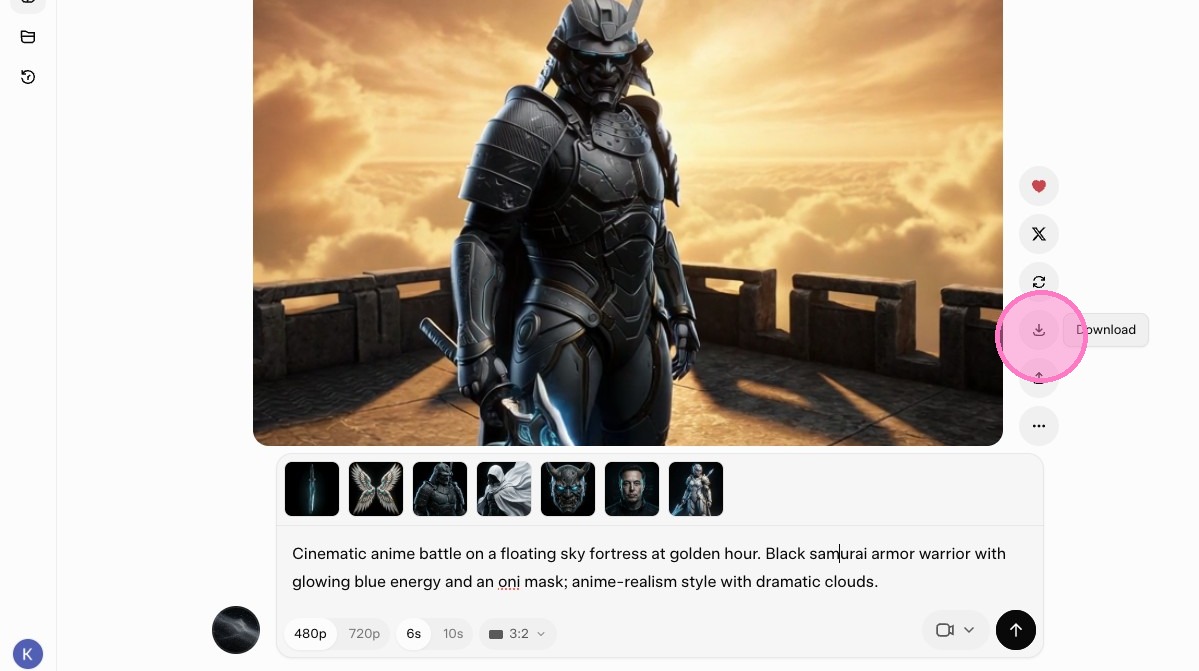
8. Click to download the video you created.
🧪 Tool of the Day:
Grok Imagine: xAI's AI tool that generates images and cinematic video clips with native audio from text prompts or uploaded images, now supporting up to 7 reference images per video